Colorize Your Photos
Transform black & white photos into stunning color with AI. Bring old memories back to life in seconds.
Before & After Examples
From vintage family portraits to historical photos - AI brings them all to life
How It Works
Colorize your photos in 3 simple steps
Upload Your Photos
Drag and drop up to 3 black & white photos. Supports JPEG, PNG, and WebP.
AI Colorization
Our AI analyzes each photo and adds realistic, contextually-appropriate colors.
Download & Share
Compare before/after, then download your colorized photos in high resolution.
Why Choose Our Colorizer
Realistic Colors
Advanced AI trained on millions of images for natural-looking results
Lightning Fast
Get results in 15-30 seconds per photo
High Quality
Download in JPEG and WebP formats, print-ready quality
100% Free
No signup required, no hidden costs, no watermarks
Want to Animate Your Photos?
After colorizing your photos, bring them to life with OnReplay! Transform static images into captivating AI-generated videos.
Try Our Other Free AI Tools
Discover more ways to create amazing content with AI – all completely free
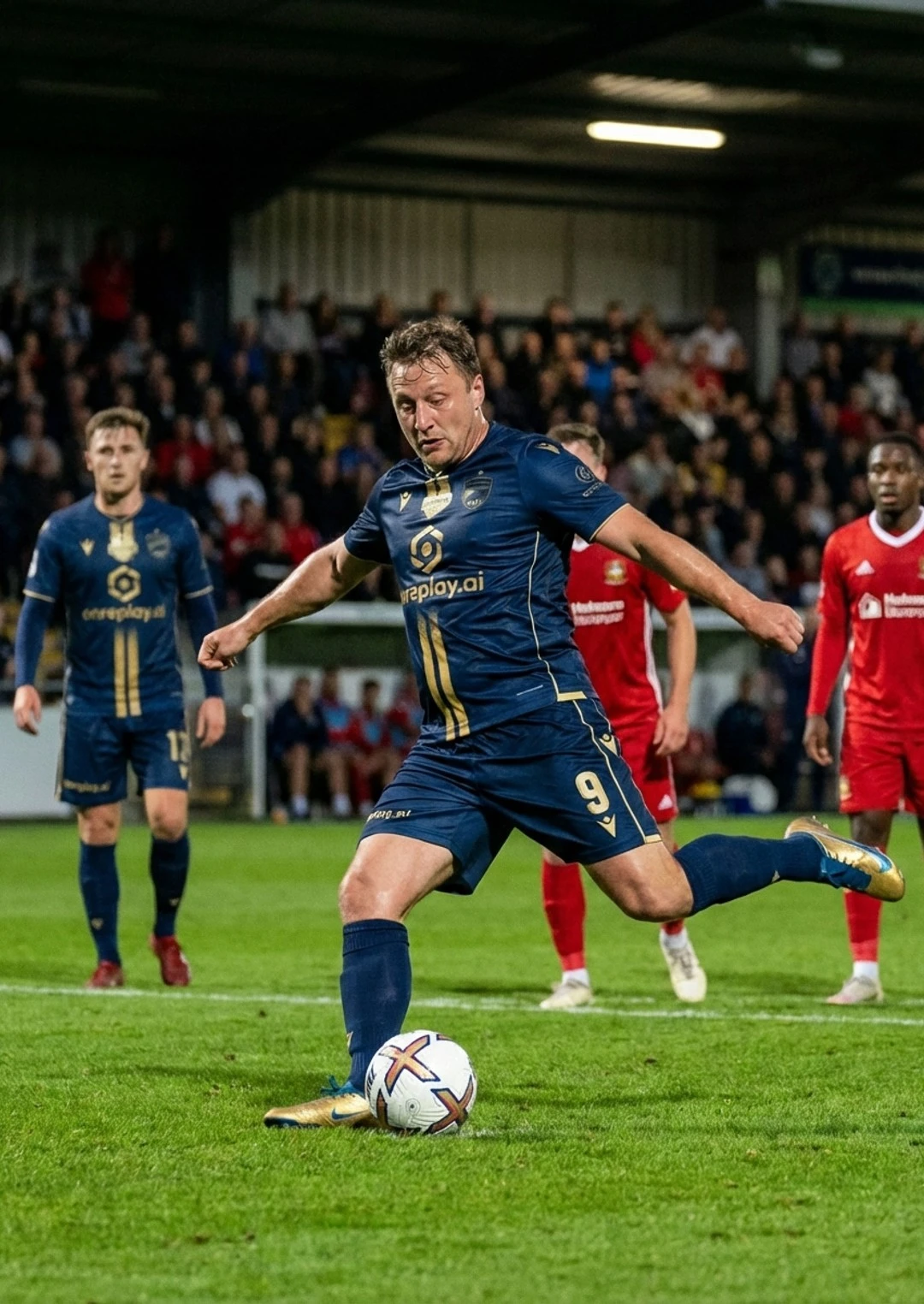
AI Kit Generator
Design professional soccer & basketball jerseys in seconds. Pick your colors, generate 3 unique designs.
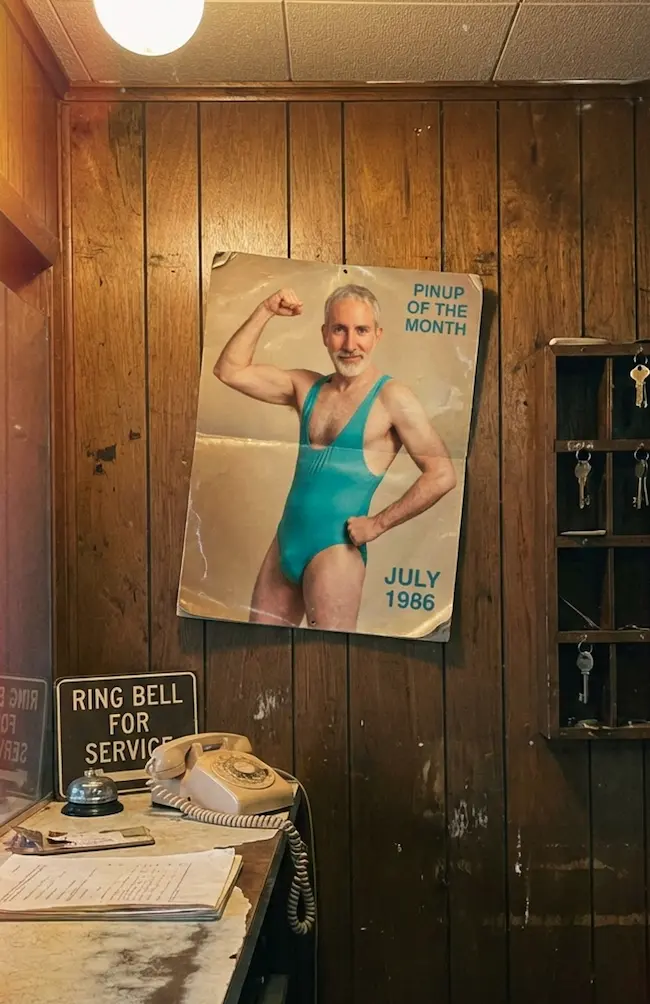
Pinup of the Month
Create hilarious prank photos! Turn your friend into an 80s pinup calendar hanging in a mechanic garage.
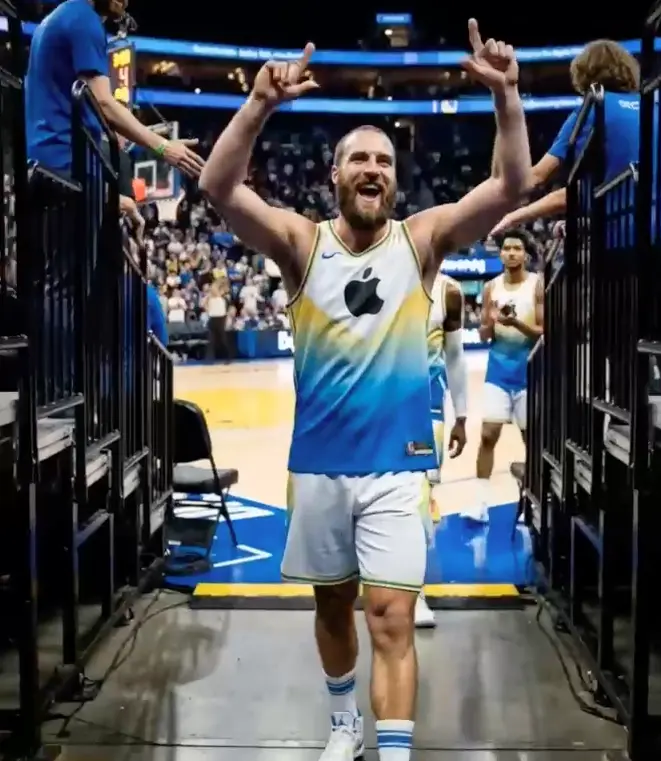
Courtside Legend
Transform your portrait into an epic basketball action shot. Slam dunks, buzzer beaters, championship glory.
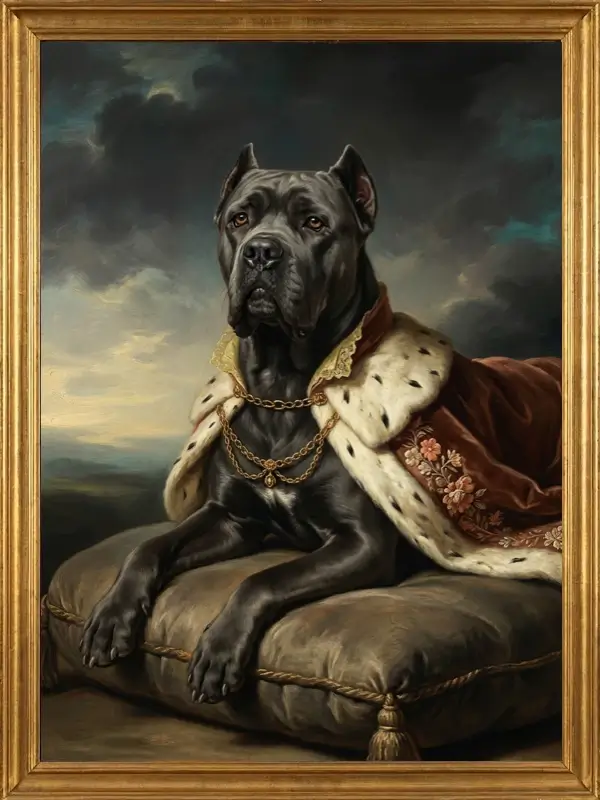
Portrait Masterpiece
Transform any photo into a stunning painting. Renaissance, Baroque, Impressionist, Pop Art, Watercolor, or Anime styles.
Frequently Asked Questions
Is the photo colorizer really free?
Yes! The OnReplay Photo Colorizer is completely free to use. You can colorize up to 5 batches per hour and download the results in both JPEG and WebP formats at no cost.
What types of photos work best?
The AI works best with clear black and white photos that have good contrast. Family portraits, landscapes, historical photos, and vintage images all produce excellent results.
How accurate is the colorization?
Our AI uses advanced deep learning to predict historically accurate and realistic colors. While it can't know the original colors with certainty, it produces natural-looking results based on context clues in the image.
How long does colorization take?
Each photo typically takes 15-30 seconds to colorize. A batch of 3 photos usually completes within 1-2 minutes.
What file formats are supported?
You can upload photos in JPEG, PNG, or WebP format. Maximum file size is 10MB per photo. You can colorize up to 3 photos at once.
Do I need to create an account?
No account or signup is required. You can start colorizing your photos immediately without providing any personal information.
Can I colorize photos that are already in color?
The tool is optimized for black and white or sepia-toned photos. Color photos may produce unpredictable results as the AI is trained specifically for B&W to color conversion.
Ready to Colorize Your Photos?
Join thousands of people who've brought their old photos back to life with our free AI tool.
Colorize Photos Free